✅ Updated on 20.03.2026

TrueMoney
TrueMoney is a digital wallet by the mobile operator True, and right now, it’s the best way to pay in Thailand with QR code — especially if you don’t have a local bank account. I’ve been using it myself for daily expenses.


✅ Pros
- No monthly fees
- Free top-ups
- Accepted at 7-Eleven and hundreds of other stores that support TrueMoney
- Includes a local virtual Mastercard for online payments
- Can send payments to both businesses and individuals via Thai QR code
❌ Cons
- Monthly limit of 30 free Thai QR payments to individuals. After that, it’s ฿25 per transfer. However, payments to businesses (like supermarkets or 7-Eleven) via Thai QR are always free.
- Wallet balance limit of ฿50,000
- Can’t link TrueMoney to the App Store for subscription payments
- Occasional maintenance between 11 PM and 4 AM — the app may not work during this time
How to Register and Verify Your TrueMoney Wallet
- Download the TrueMoney app from the App Store or Google Play.
- Register with any Thai phone number — it doesn’t have to be from True.
- Upload two documents for verification: your passport and a Thai driver’s license.
I’ll explain how to get a Thai driver’s license in just one hour in an upcoming article. Or feel free to DM me on Instagram @maratnomad if you have questions.
How to Top Up Your TrueMoney Wallet
- Cash: Deposit ฿10 to ฿3,000 at 7-Eleven or Lotus’s, or ฿50 to ฿20,000 at True shops. You can repeat the process to reach your desired amount — for example, five deposits of ฿3,000 at 7-Eleven. If you need cash, withdraw it from an ATM using a foreign card (฿220 fee per withdrawal).
- Thai QR or TrueMoney Transfer: If you know someone with a Thai bank account or TrueMoney wallet, they can send money to your wallet using Thai QR payment. You can receive up to ฿10,000 per transaction — with no limit on the number of transactions.
You can exchange crypto through Ex24.pro. Contact them via Telegram. They have 15 offices across Thailand — including Phuket, Pattaya, Bangkok, and Hua Hin — and they can top up your TrueMoney or Deep Pocket wallet.
Deep Pocket
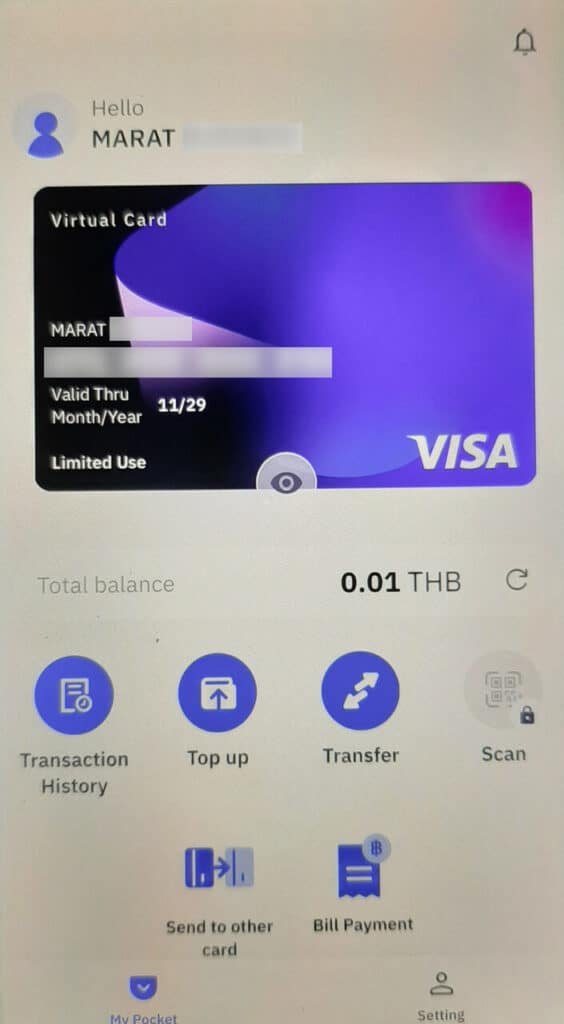
Deep Pocket is an e-wallet by T2P, a Thai payment processing company. Before TrueMoney allowed foreigners without a work visa to use QR code payments (starting February 2025), I was using Deep Pocket — and even visited their office.
They used to charge a ฿399 monthly fee, but as of August 3, 2025, they removed the subscription fee and introduced a 2% to 4.5% top-up fee instead. For example, if you top up $2,000 per month, you’ll pay between $40 and $90 in fees depending on the method.

✅ Pros
- Can pay both individuals and businesses via Thai QR code
- No monthly limit on QR payments to individuals (unlike TrueMoney)
- Virtual VISA card available — works with App Store and Google Play
- No top-up limit — I’ve personally topped up ฿150,000
- No Thai driver’s license required for registration
❌ Cons
- Monthly spending limit of ฿50,000 — after that, QR code payments are temporarily disabled
- No physical card — I ordered one in December 2024, waited 3–4 months, but it never arrived. They refunded me.
- 2%–4.5% top-up fee on all deposits
- The app occasionally logs you out, requiring re-login and SMS verification to a Thai number
How to Register and Verify Your Deep Pocket Wallet
- Download the Deep Pocket app from the App Store or Google Play.
- Register with a Thai phone number.
- Upload two documents for verification: your passport and any type of driver’s license (not necessarily Thai).
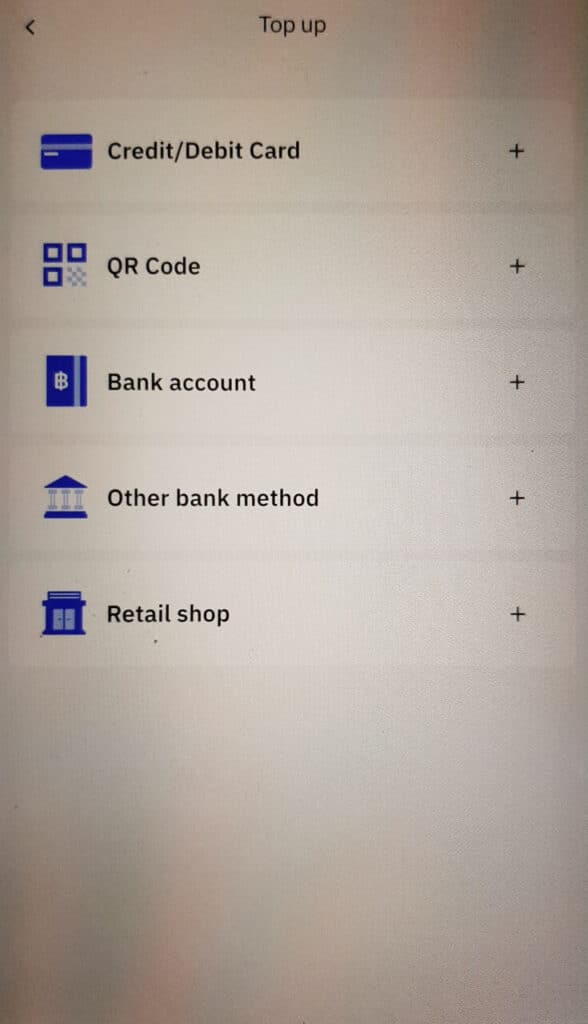
How to Top Up Your Deep Pocket Wallet
- Cash: Top up at Lotus’s or Big C supermarkets. A ฿100 service fee may apply.
- Thai QR: Ask a friend with a Thai bank account to send money via QR code, or use a service like Ex24.pro. The top-up fee is 2%.
- Bank Card: You can top up between ฿100 and ฿10,000 per transaction using a credit or debit card. The fee is 4.5%.
Moreta Pay
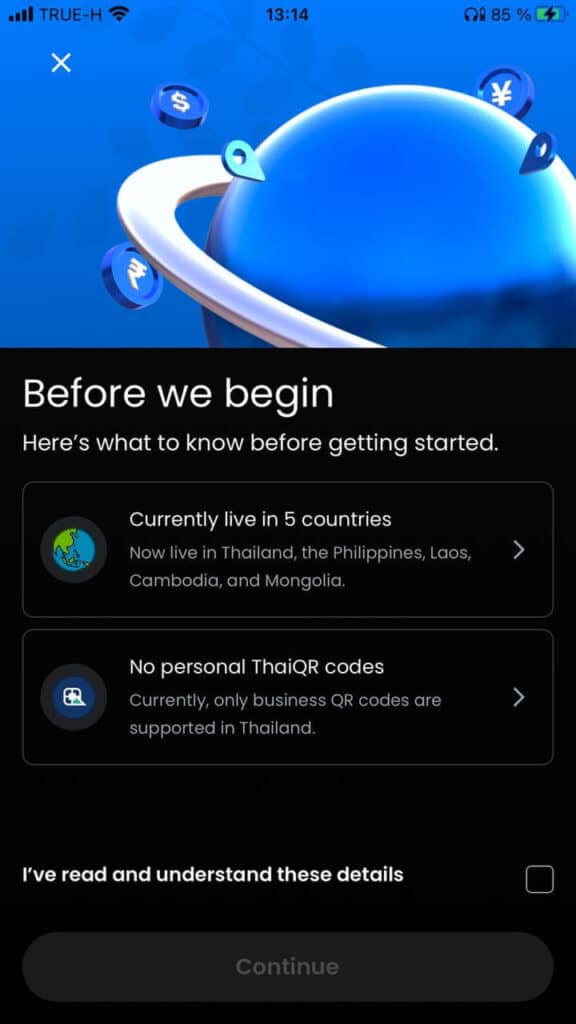
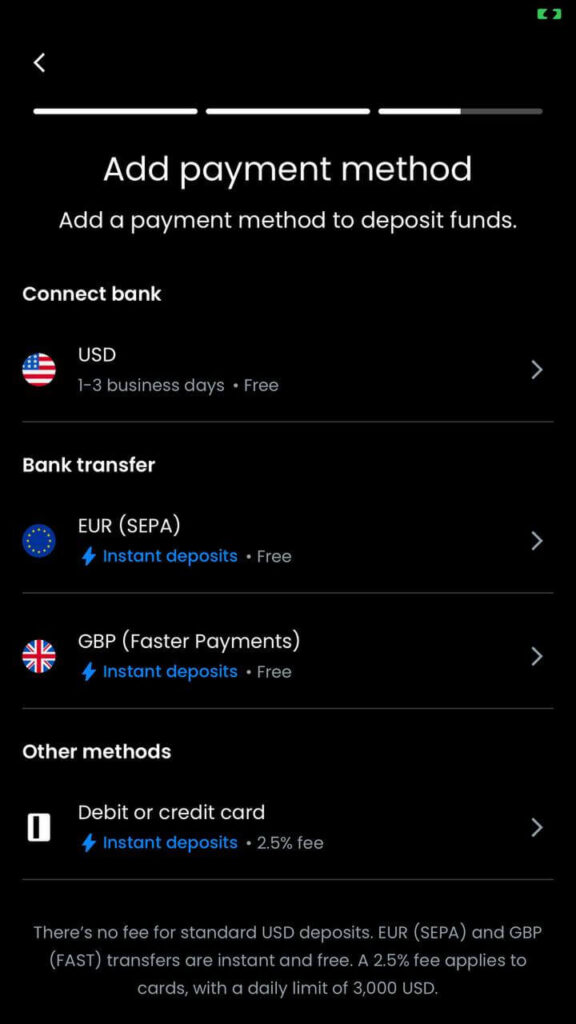
Moreta Pay is another e-wallet that supports Thai QR code payments in Thailand. However, unlike TrueMoney and Deep Pocket, Moreta only allows payments to business accounts — not individuals.

✅ Pros
- Can pay business accounts via QR code — works well at places like Big C or Makro
- No top-up fee when sending funds via Wise, Revolut, or European/UK bank accounts
- Only a passport is required for verification
❌ Cons
- Cannot send money to individuals via Thai QR. This is a major drawback, as many Thai vendors (e.g., market sellers, barbers) use personal accounts — meaning you’ll still need to carry some cash.
- 0.5% currency conversion fee when topping up in EUR or GBP — Moreta converts these to USD
If you decide to try Moreta Pay, use this link: app.moretapay.com/invite/marat915356. When you register and spend $10, Moreta will credit your wallet with a $10 bonus.
TagThai Pay&Tour
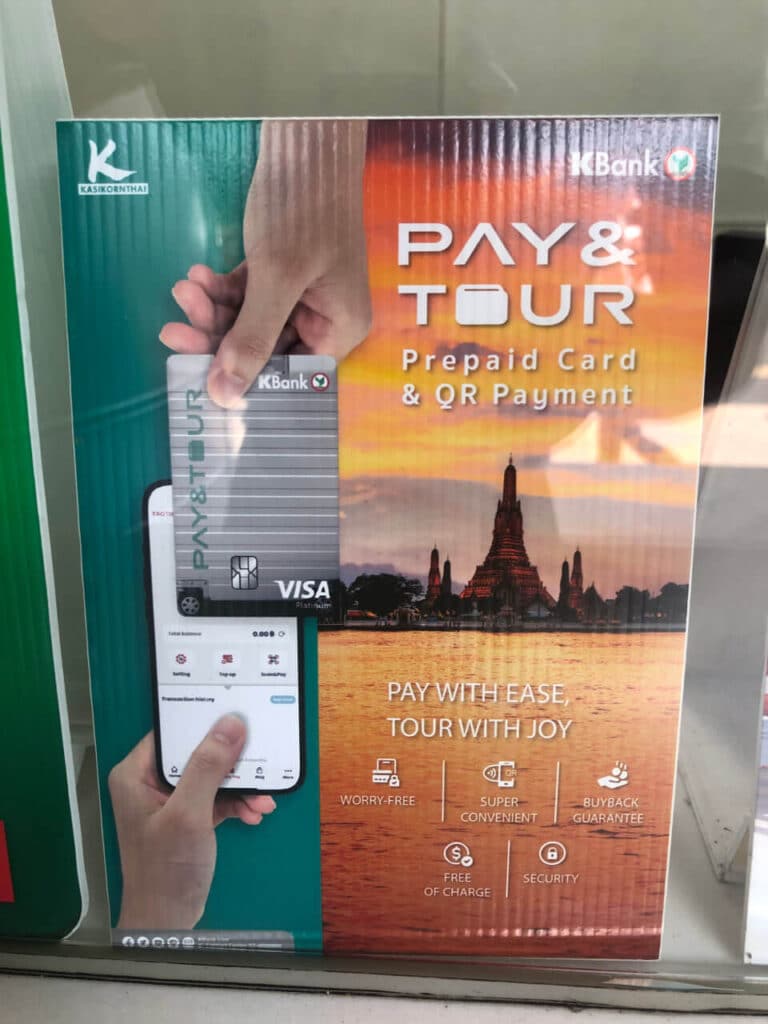
Pay&Tour is a prepaid card you can get with just a passport at select Kasikorn Bank exchange counters — one of Thailand’s most popular banks.
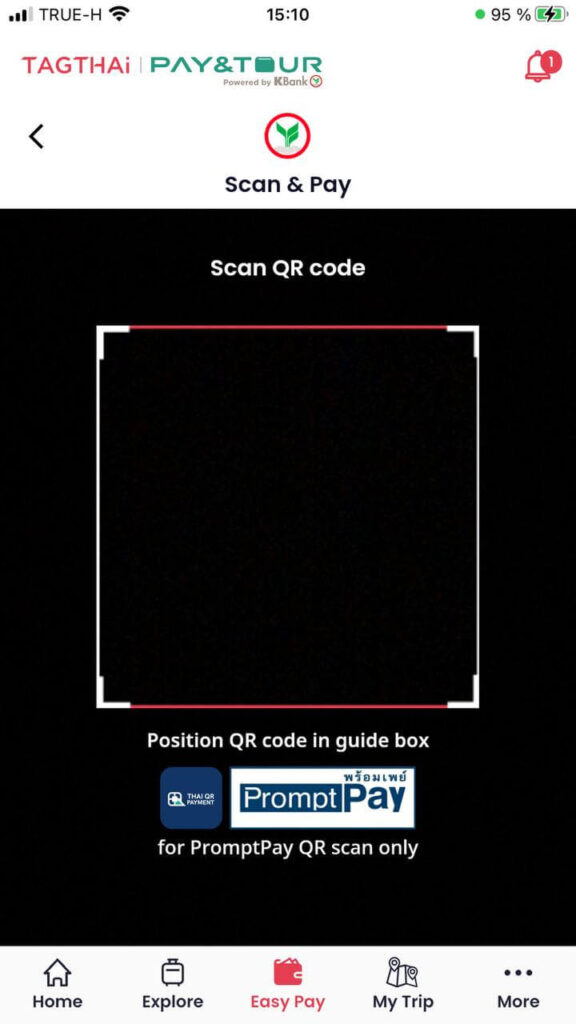
Once issued, you can link the card to the TagThai wallet and use it to pay businesses via Thai QR code, similar to Moreta Pay.
The Pay&Tour card is a joint project between Kasikorn Bank and T2P — the same company behind Deep Pocket.

✅ Pros
- Can pay businesses via Thai QR — works at places like Big C and Makro
- Can use the card for in-store purchases
❌ Cons
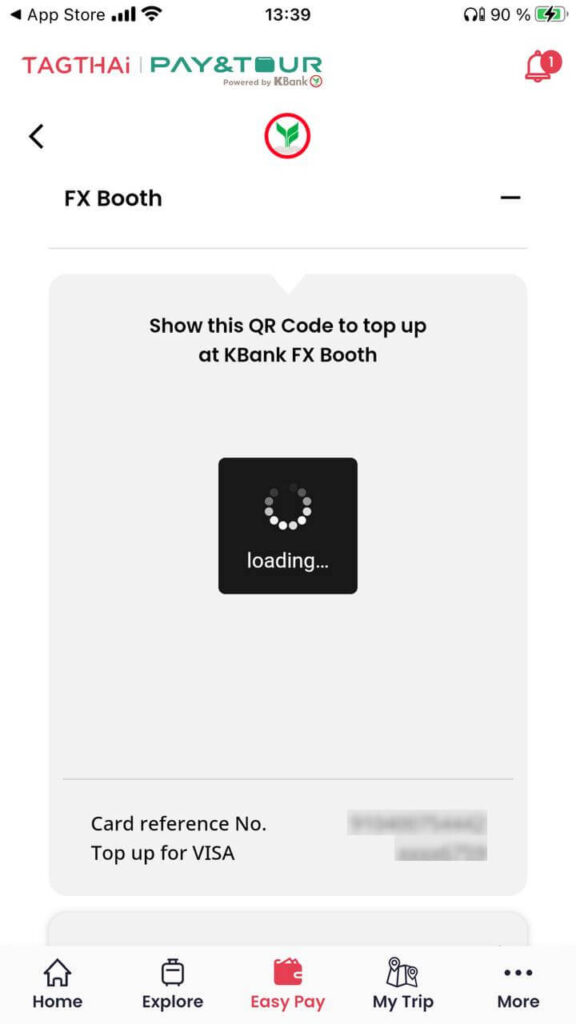
- Can only top up with cash at Kasikorn Bank exchange counters
- Even if you bring Thai baht, the money is first converted to USD, then back to baht — so you lose on exchange rates
- The app is buggy and slow
- Online card payments don’t work — I tried but never received the SMS verification code, so the transaction failed
How to Get a Pay&Tour Card and Enable Thai QR Payments
- Visit a designated Kasikorn Bank exchange counter. You can find the locations on this official page.
- Verify your identity using your passport.
- Download the TagThai app.
- Add your Pay&Tour card to the app — once linked, you’ll be able to pay businesses via Thai QR code.
You can only top up the card and wallet with cash at Kasikorn exchange counters. If you don’t spend all your funds during your stay in Thailand, you can withdraw the remaining balance at the same counters.